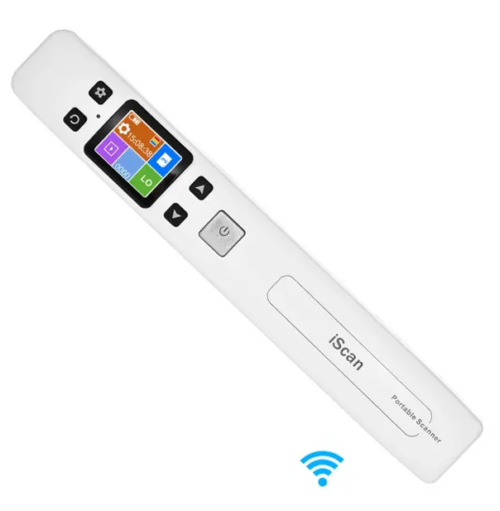
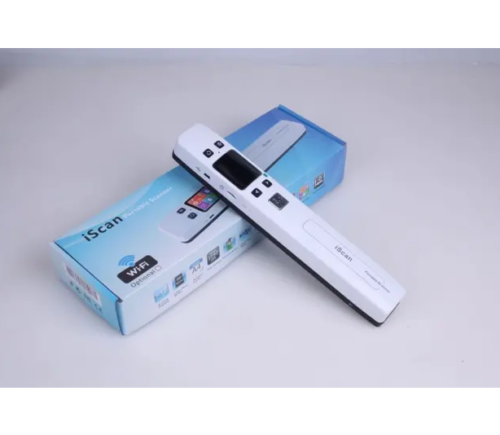
iScan Handheld Portable Scanner 1050 DPI with WiFi A4 Document Scanner Color Scanning USB 2.0 LCD Display Support JPG / PDF Format
Features: Dual roll, style control system, full page scan.
The drive program does not need to be installed.
Maximum scan speed:
High resolution (1050 dpi) with color: up to 10 seconds.
Medium resolution (600 dpi) with colour: up to 8 seconds.
Standard resolution (300 dpi) with colour: up to 3 seconds (A4 scan paper).
Image sensor: A4 colour image sensor.
White balance: Auto
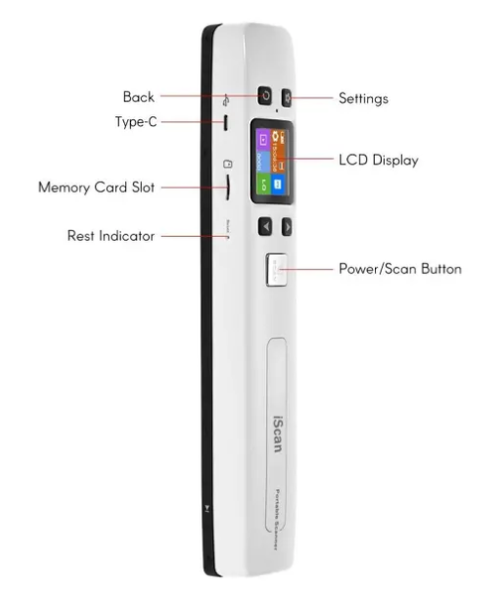
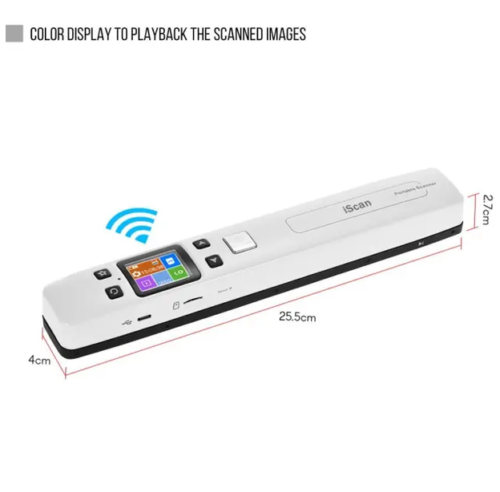
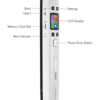
LCD: display of scan status
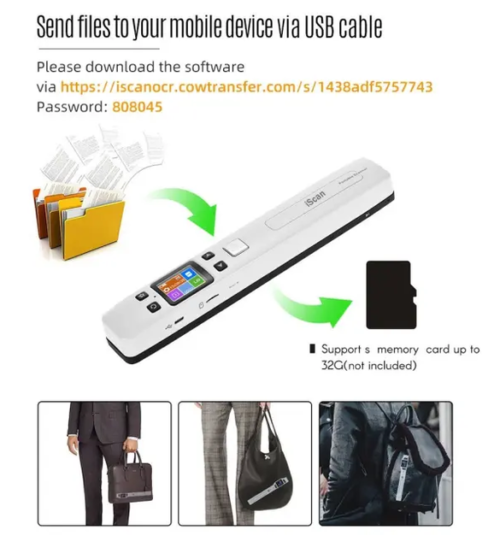
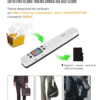
Storage: microSD/TF card, no built-in memory card.
Memory number: capacity based on 2GB microSD card. 1050 dpi colour 100 photos (high), 600 dpi colour 400 photos (medium), 300 dpi colour 1500 photos (low)
External memory: MicroSD/TF (1G-32GB).
File format: JPEG / PDF
Scan Range:A4 (216mm)
Interface: USB port
Auto power off: 3 minutes.
Working mode: offline scan
Support for scanning software: Windows Imaging, Photoshop and other similar OCR software for image processing
For MS Windows 7 / Vista / XP and MacOS10.4 or later, no driver installation is required, direct plug-in.
Power supply: rechargeable batteries
Colour: black and white.
Size: 258 x 28 x 25mm/10.2″ x 1.1″ x 1″
Weight: 175 g
LED light instructions:
“Green” lamp lights up —– when scanning.
“Green” lamp off —– Stop scanning process.
“Red” lamp lights up —— scanning too fast, restarting, re-scanning
“Red” lamp off —– Scan normally.
How to scan: Scan with one hand Set the correct position on the scan objects Hold the scanner and press SCAN to scan. If you move slower, the scanner and your hand must remain stable to get a high quality image.
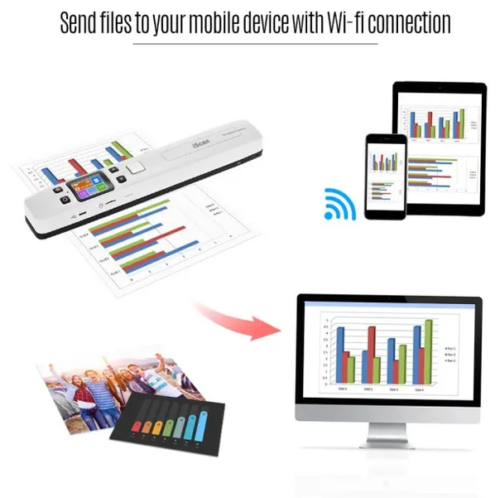
How to connect your smart phone and tablet to the Scanner WI-FI? 1). Press the “Menu” key enter setup mode.
2).Select WiFi Link by the “Down” key.
3). Press the key to startup the Wifi.
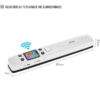
4).When the WiFi is started up, the LCD screen will display WiFi .After you’ve activated the smart phone and tablet’s Wi-Fi radio, you can connect to the scanner’s wifi network. The method can vary, depending on which type is your phone or tablet.
Scanner Wi-Fi features the scanner icon. Obey these steps to connect to the Scanner Wi-Fi network:
1). Click the Apps icon on the Home screen.
2). Open the Settings app.
3). Choose Wi-Fi.
4). The Wi-Fi settings icon appears.
5). Click the scannerxxx icon from the network list on the screen.
6). After it connect successfully, open your web browser, and enter the address 192.168.10.1 in the Web address field and hit return to reach the Wi-Fi’s home page.
7). The Wi-Fi’s home page will ask you for a username and password ( Default username:admin ) ( Default password:admin )
Then you can view and download the pictures scanned in Scanner.
Weight
0.15 kg
1 review for iScan Handheld Portable Scanner
Rated 5 out of 5
Chloe –
Fast shipping, affordable and high-quality products.





Chloe –
Fast shipping, affordable and high-quality products.